
Banana Prompts for All Nano Banana Models
Browse banana prompts for portraits, product images, posters, and edits in one place. This page brings together useful prompt ideas for all Nano Banana models, including Nano Banana prompts, Nano Banana Pro prompts, and Nano Banana 2 prompts. It gives creators an easier way to explore styles, compare prompt structures, and find stronger starting points for image creation and editing.
Prompt Gallery
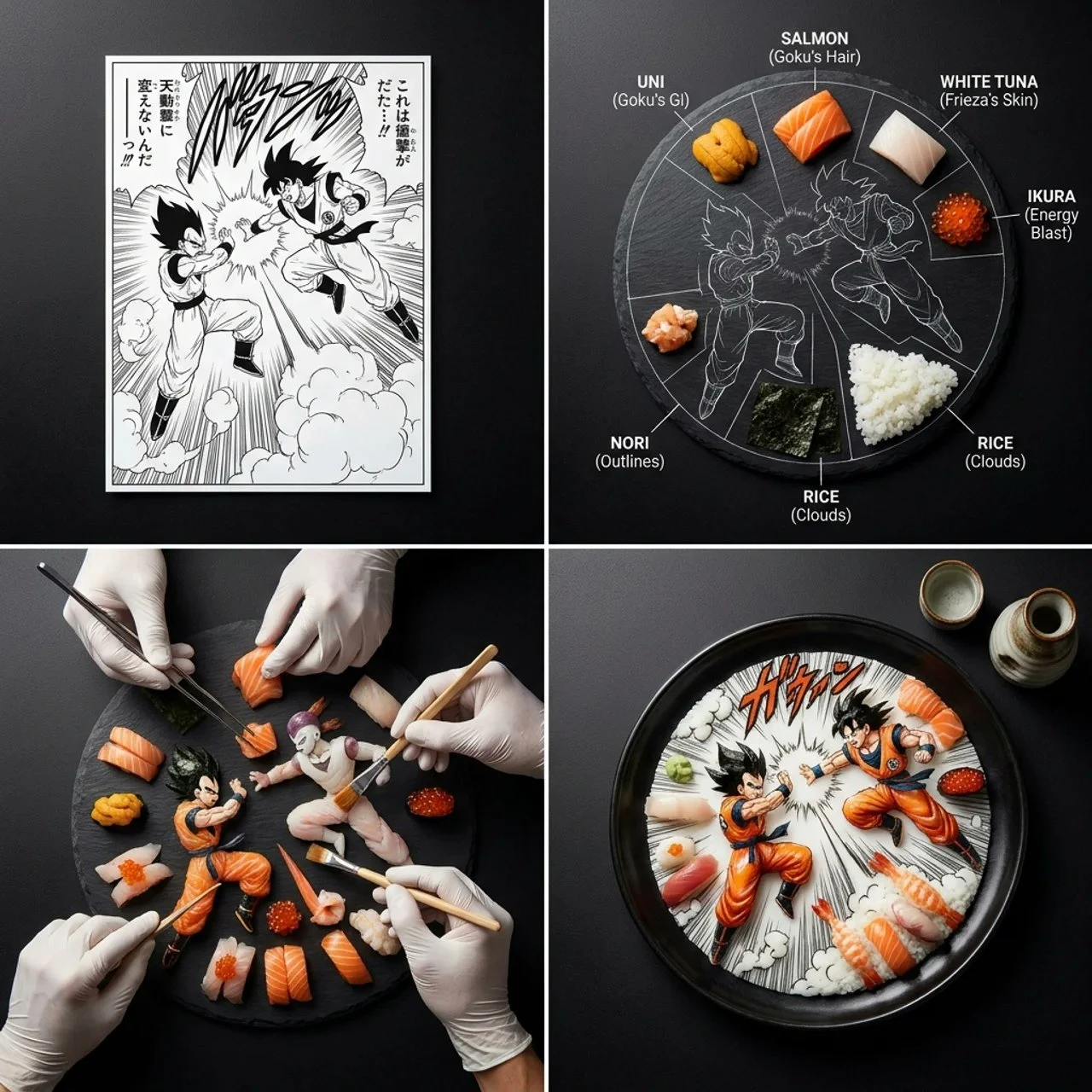
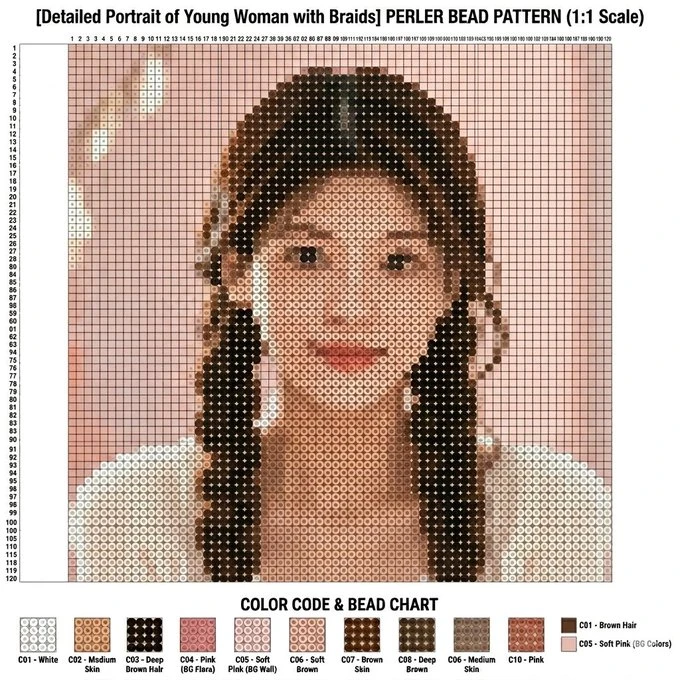
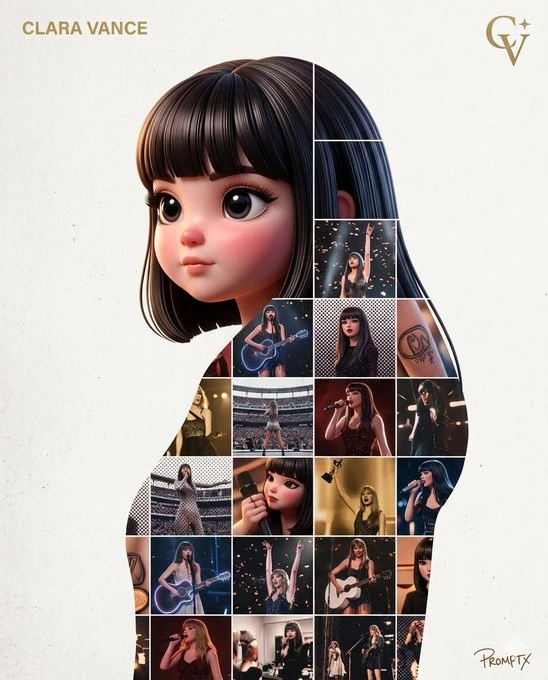
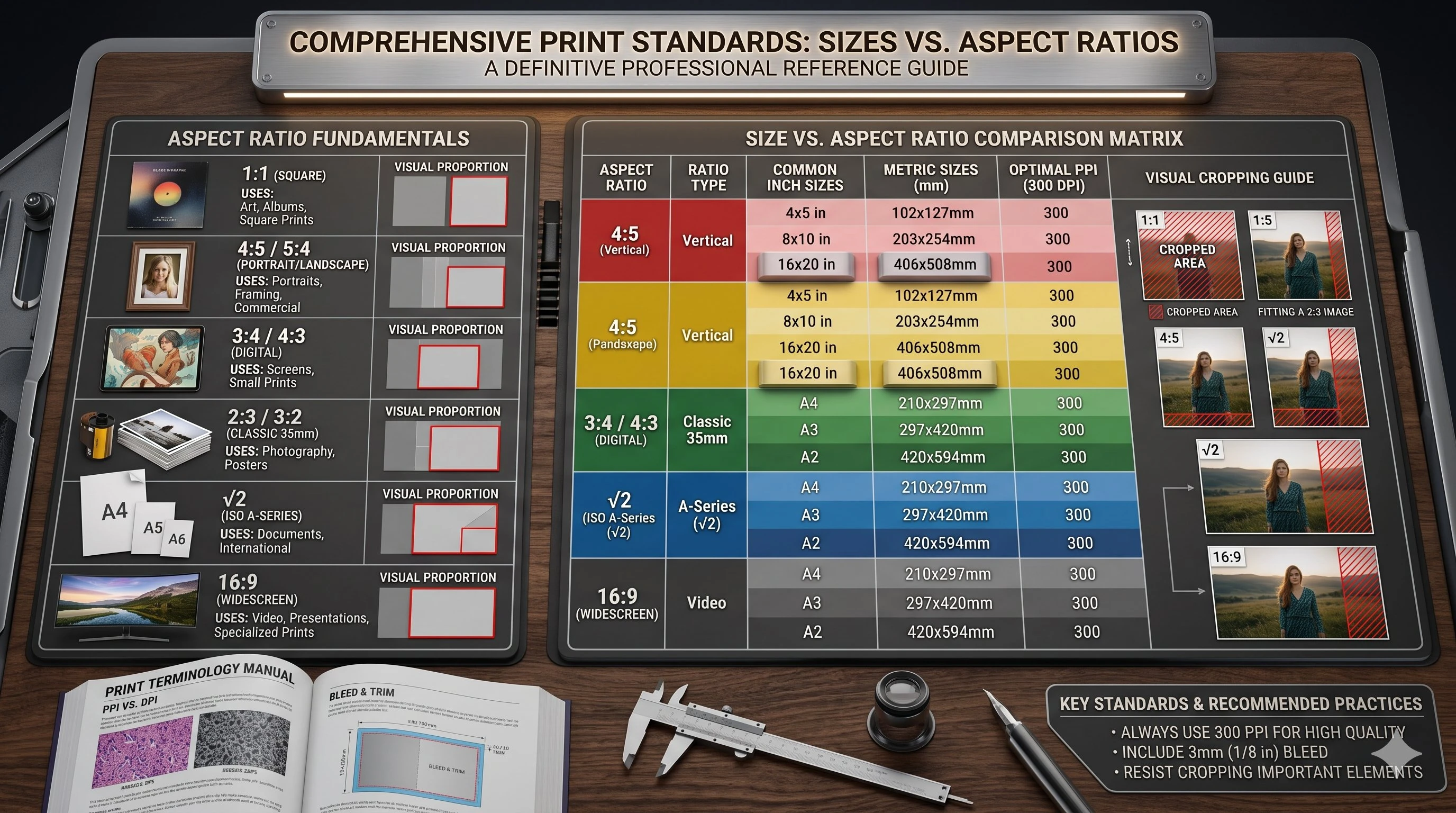
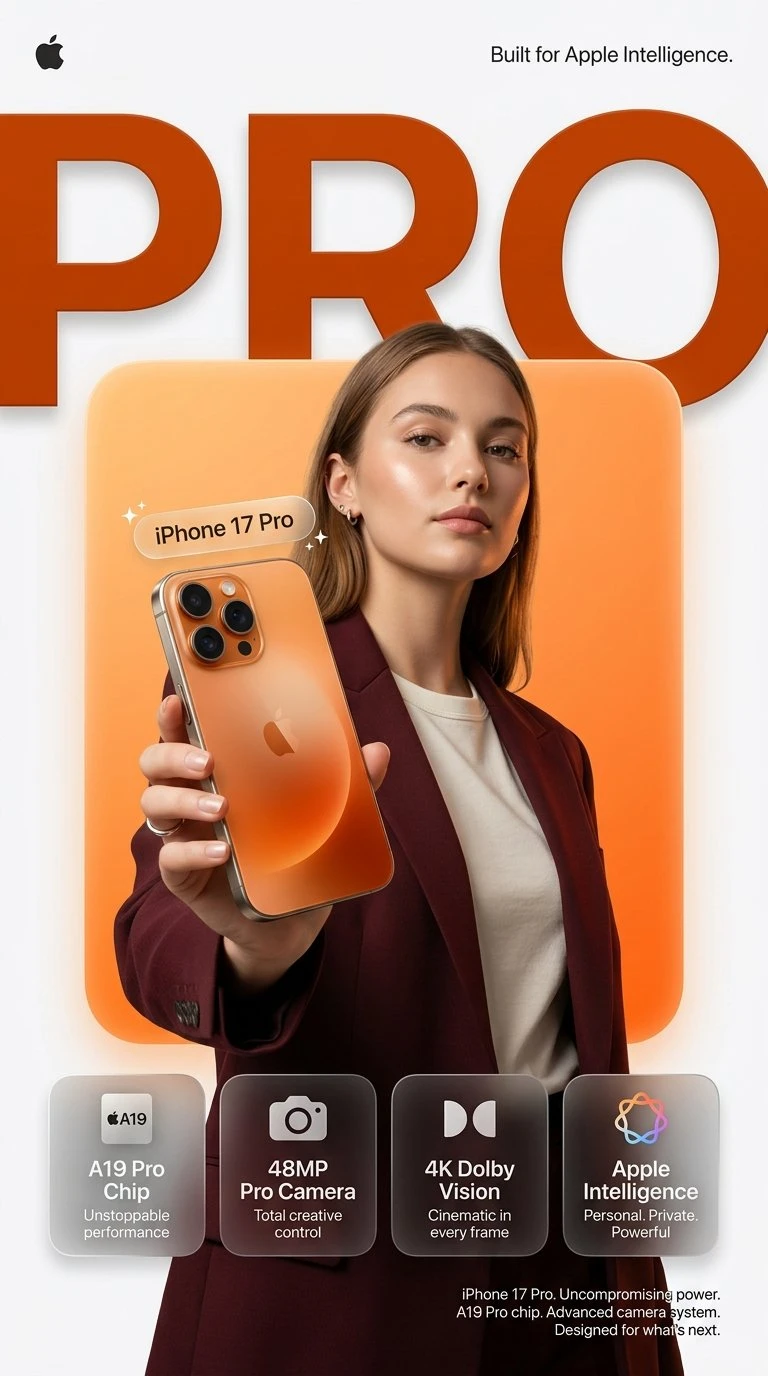
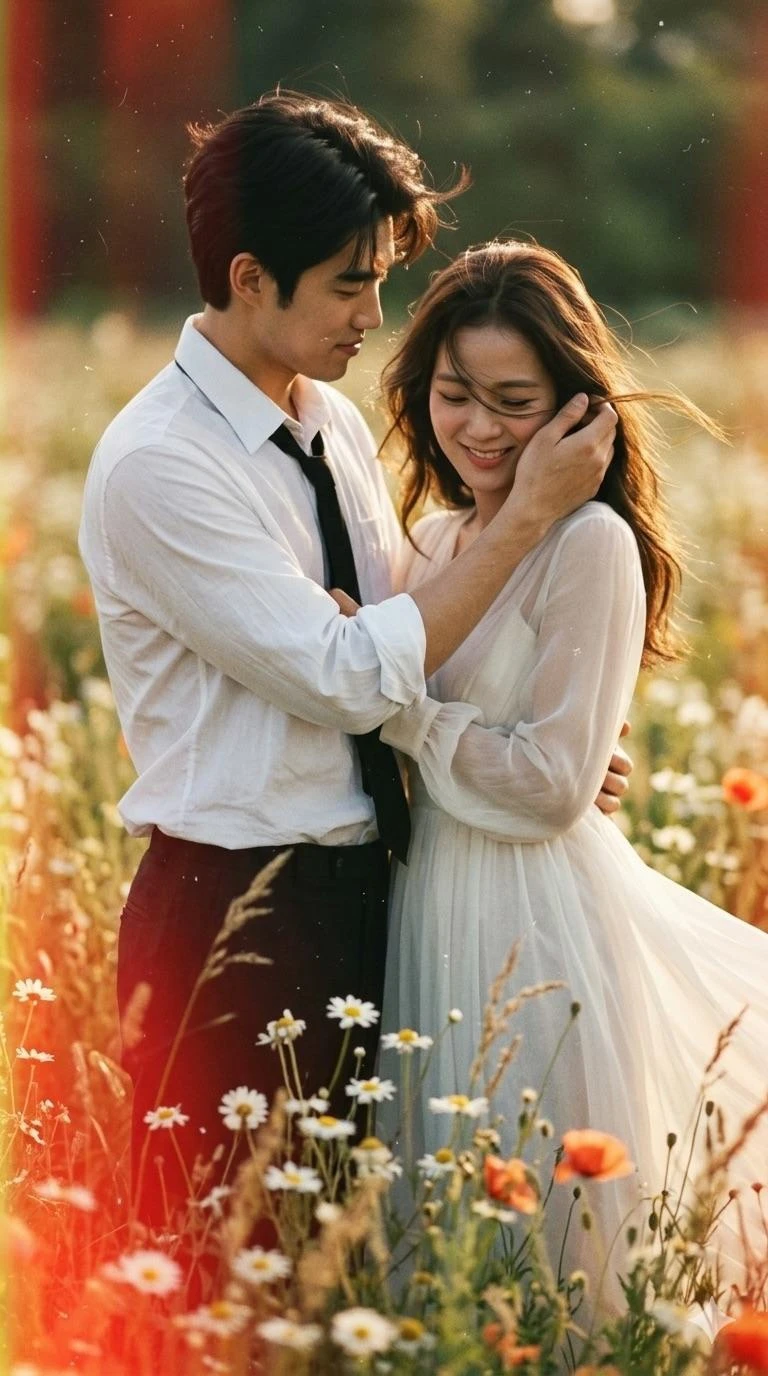
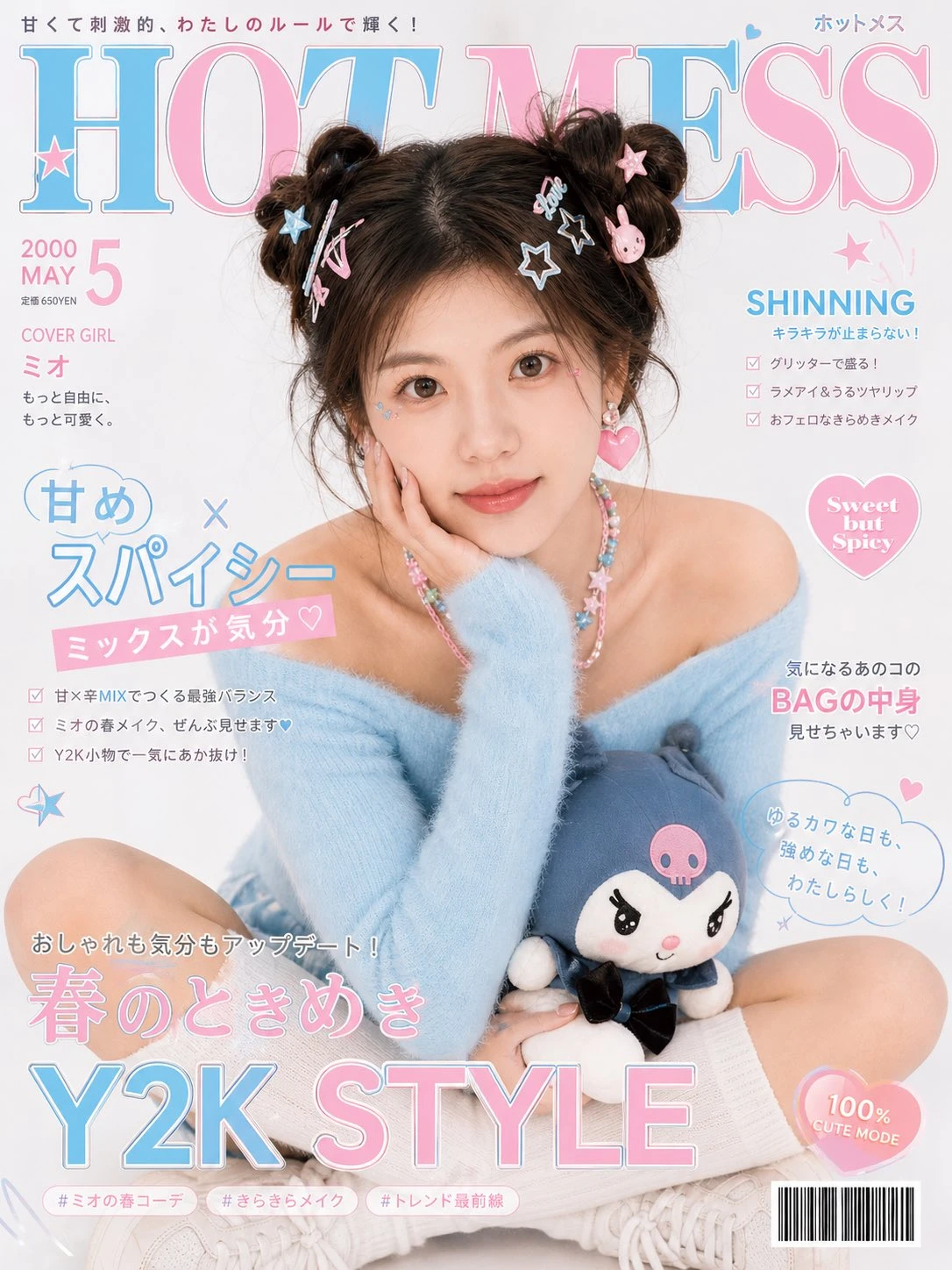
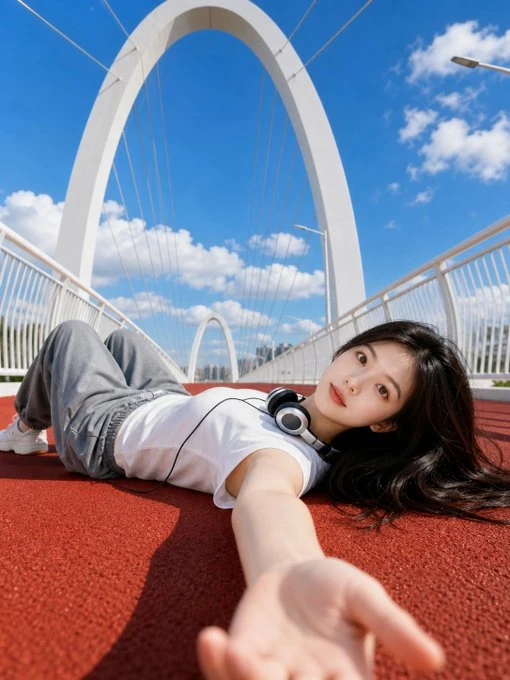
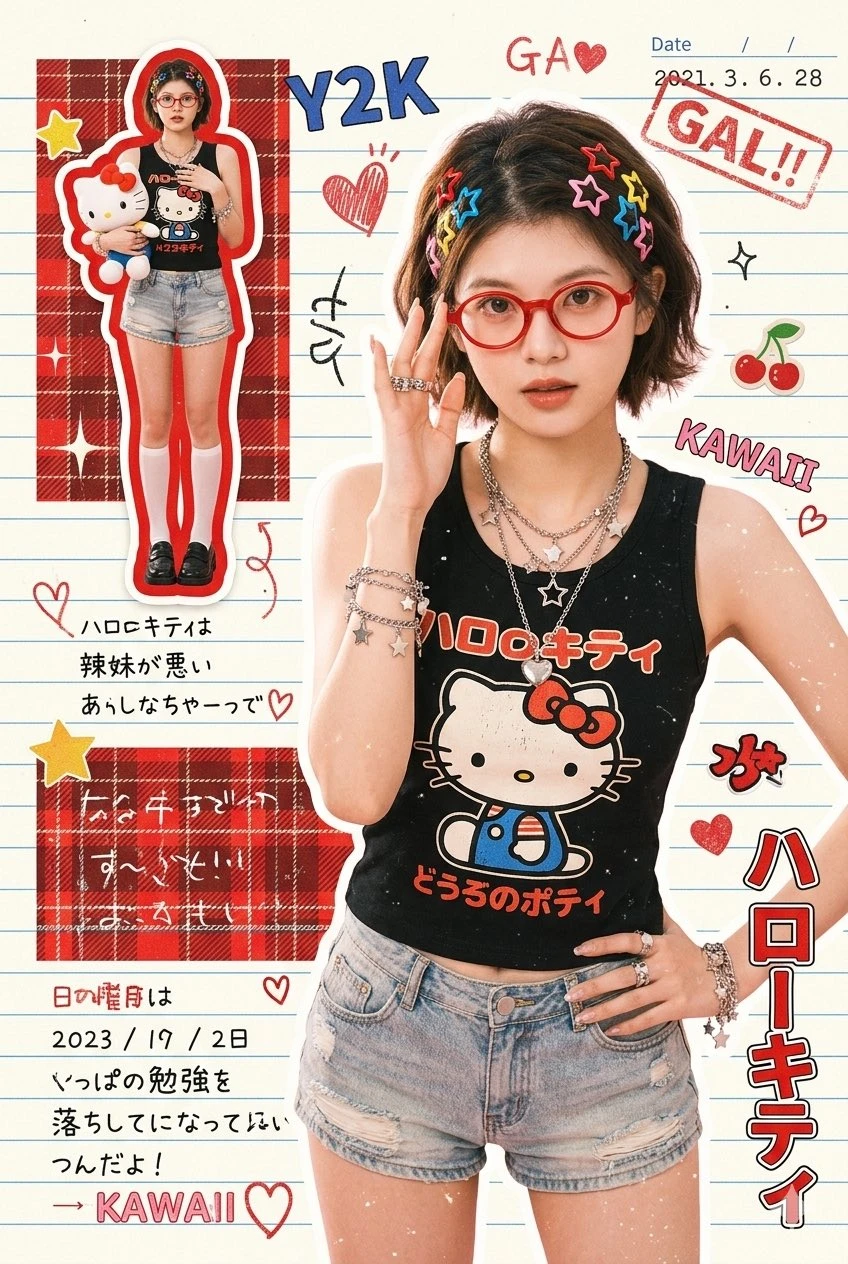
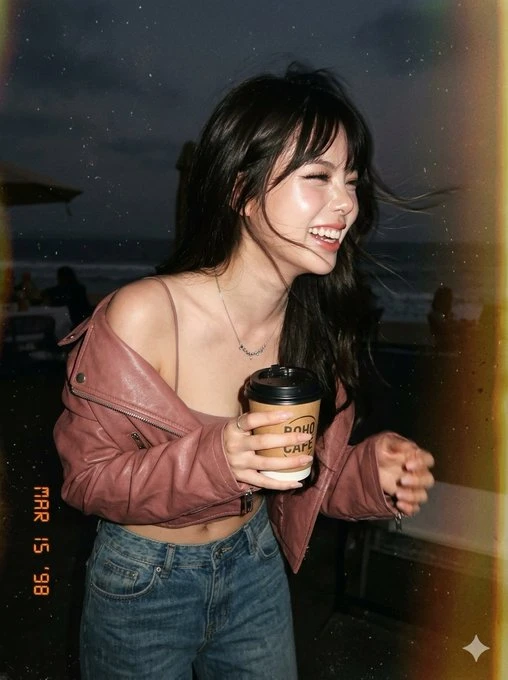
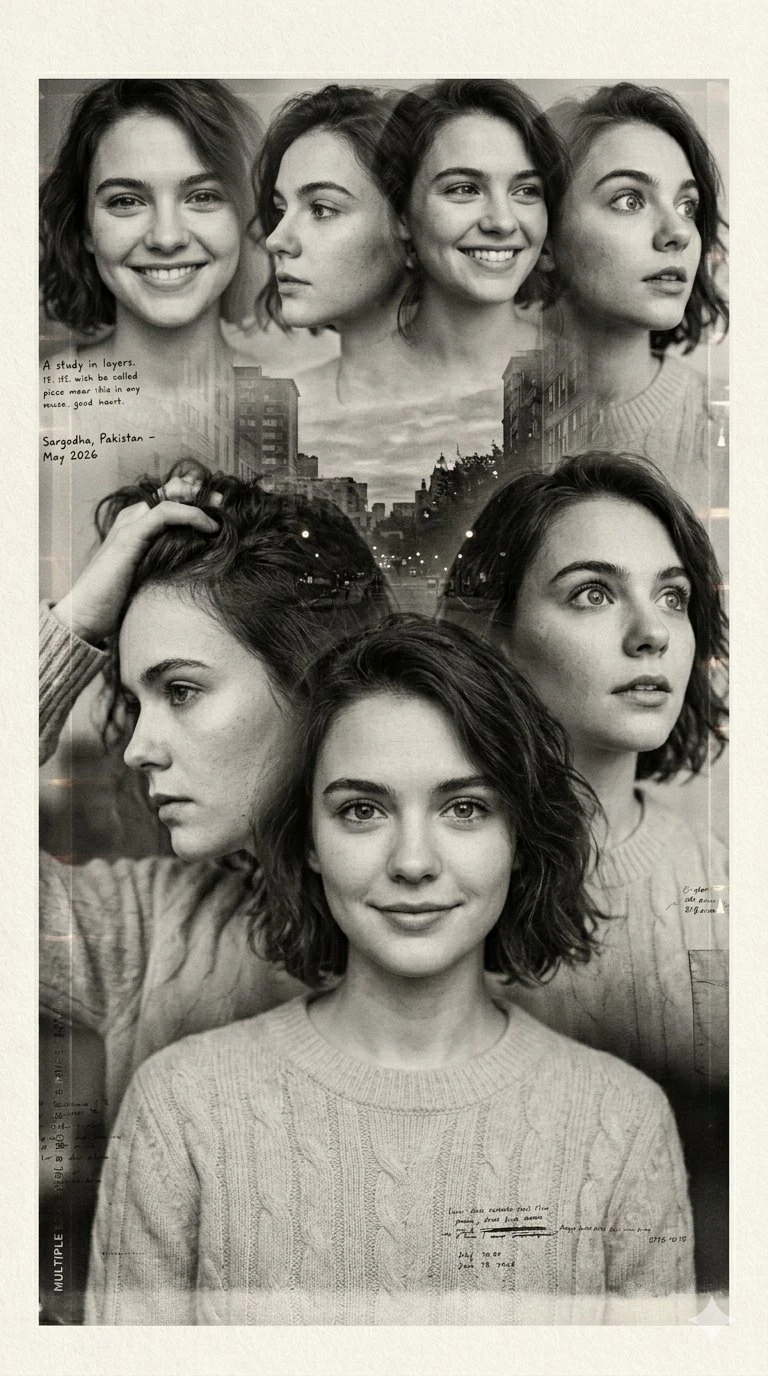
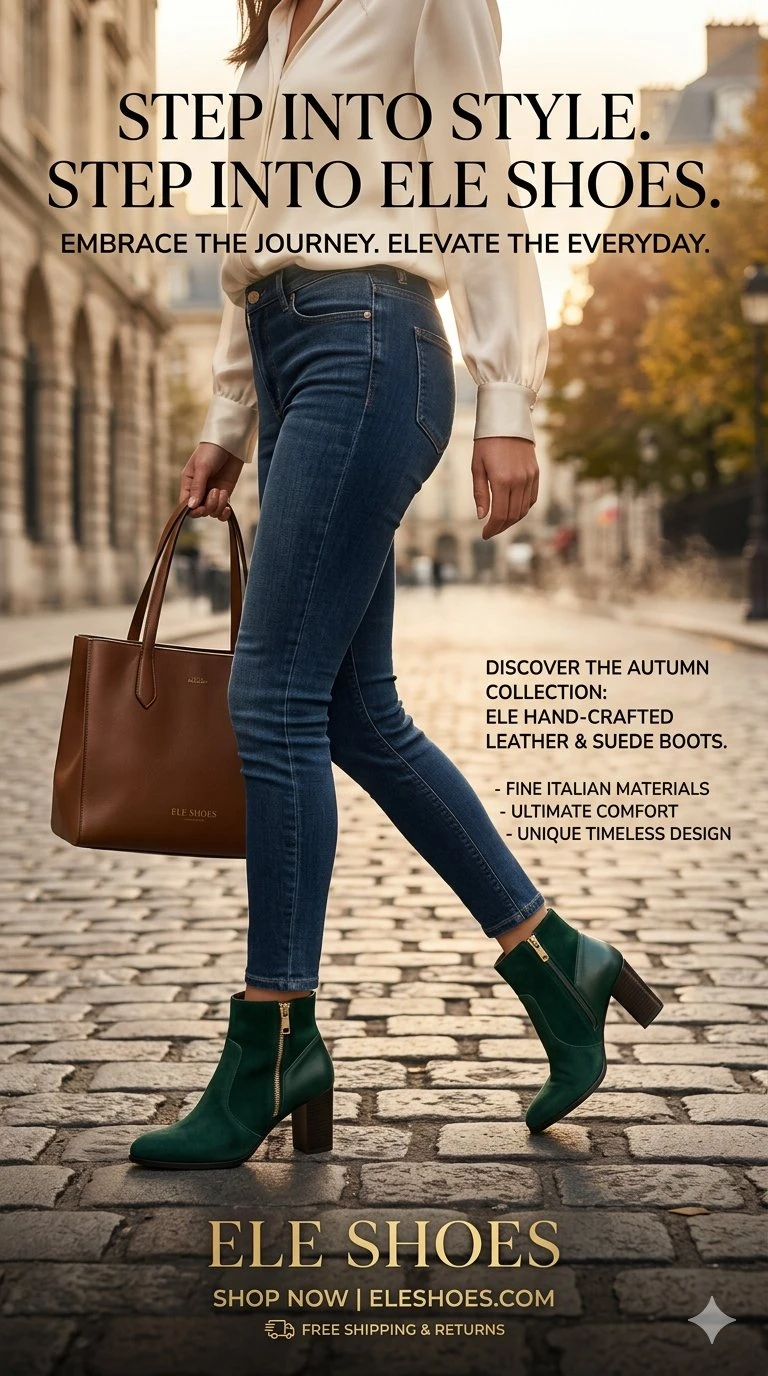
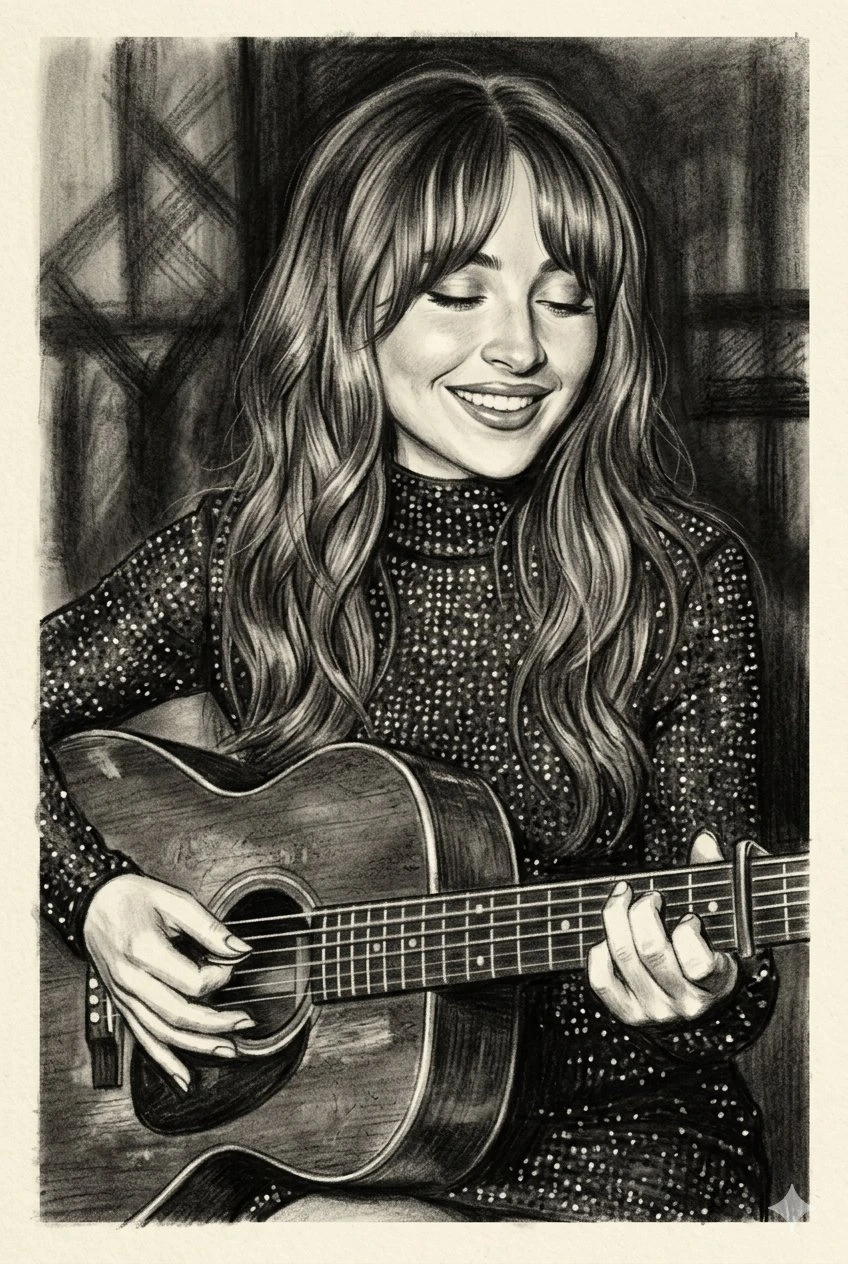
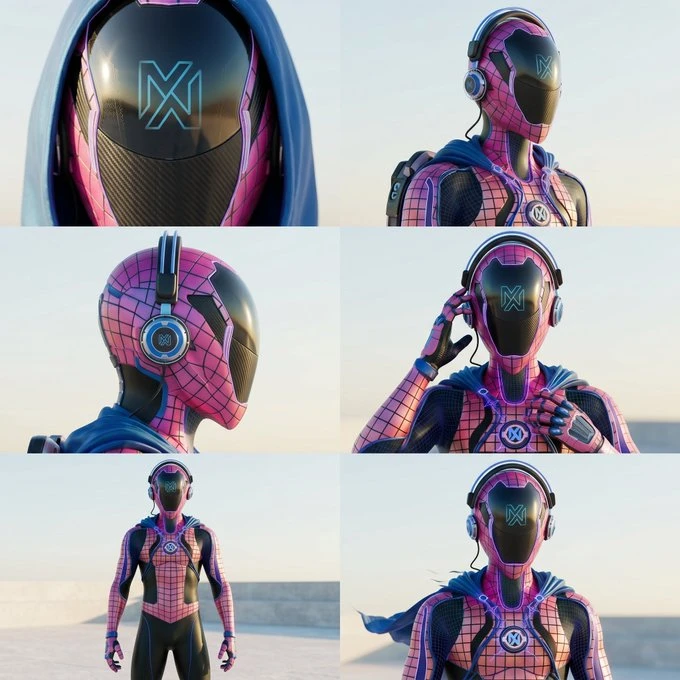
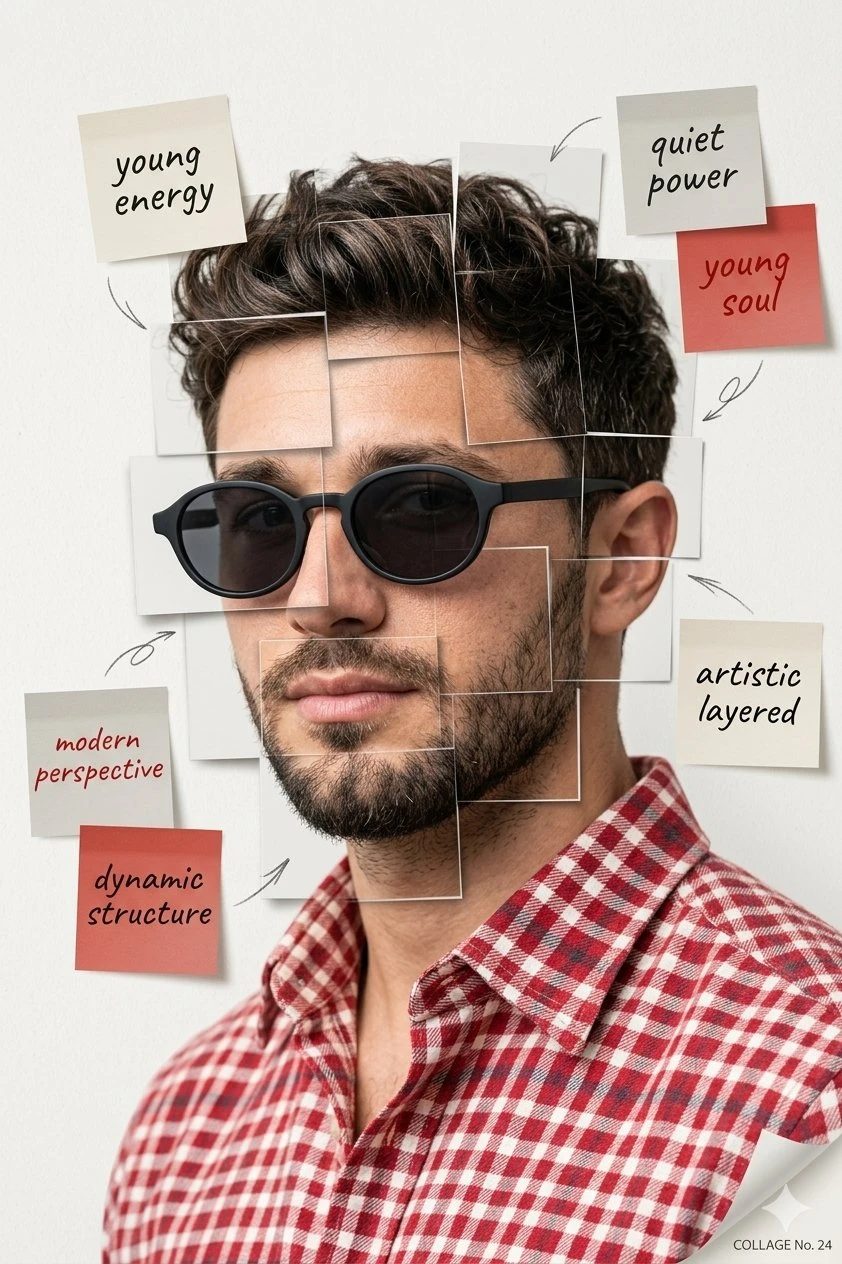
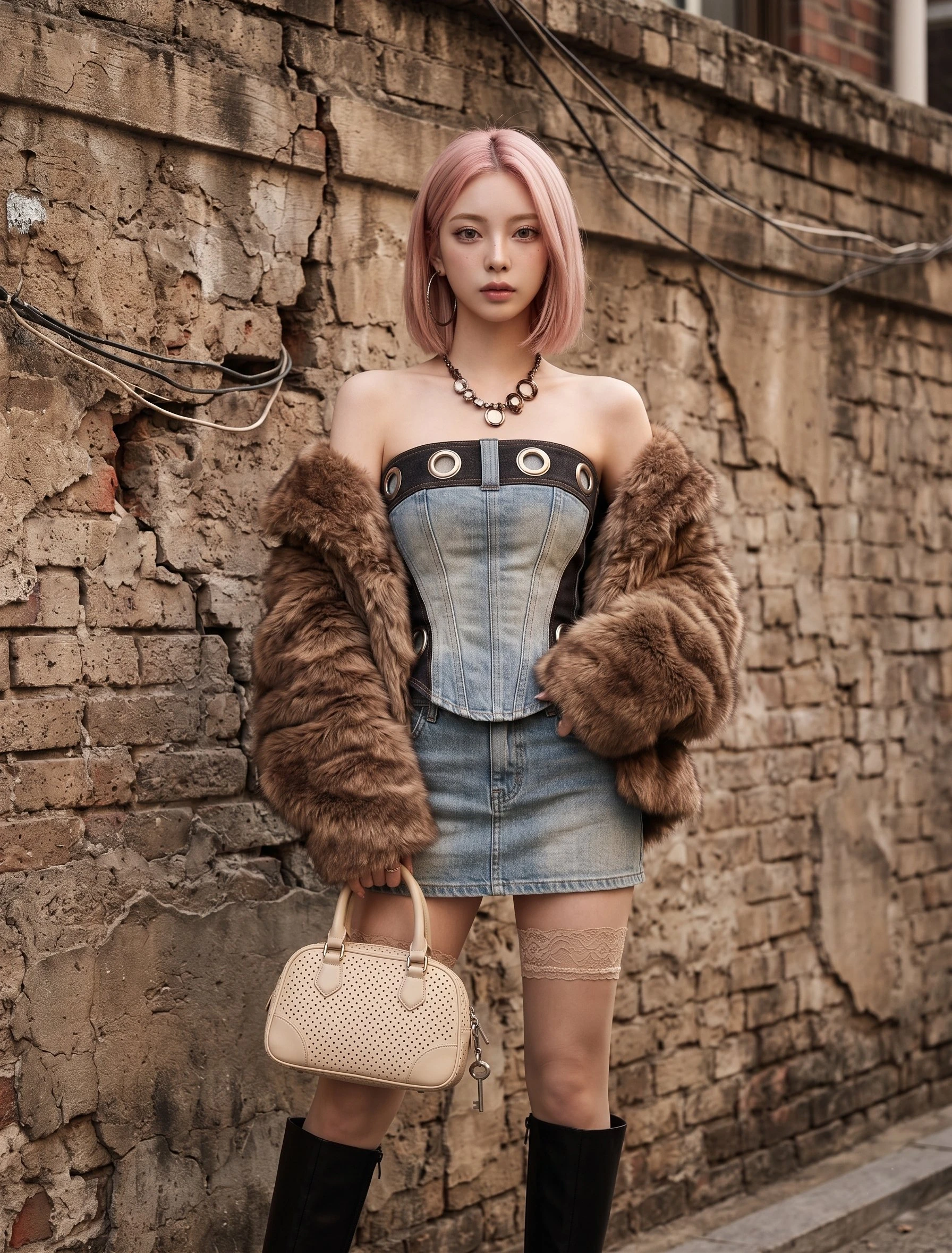
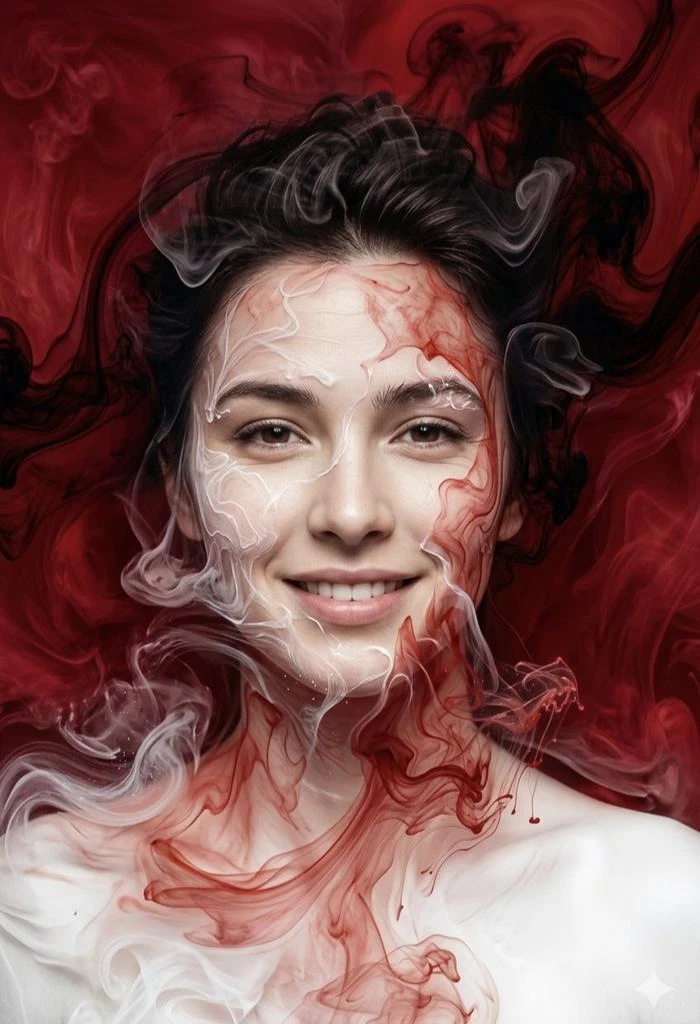
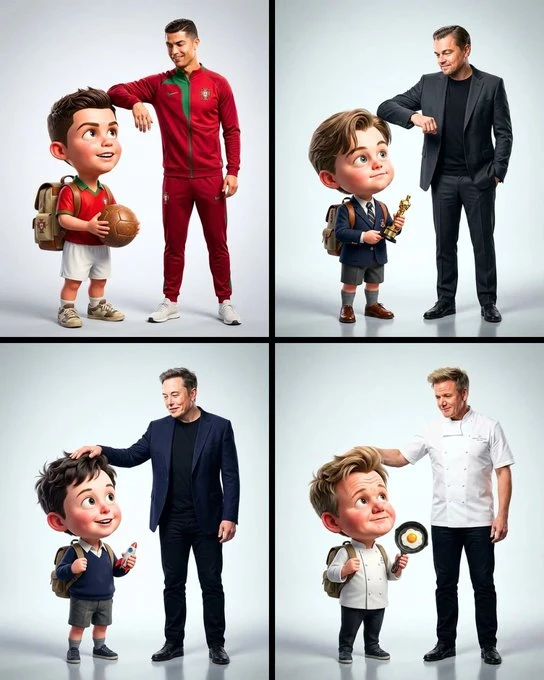
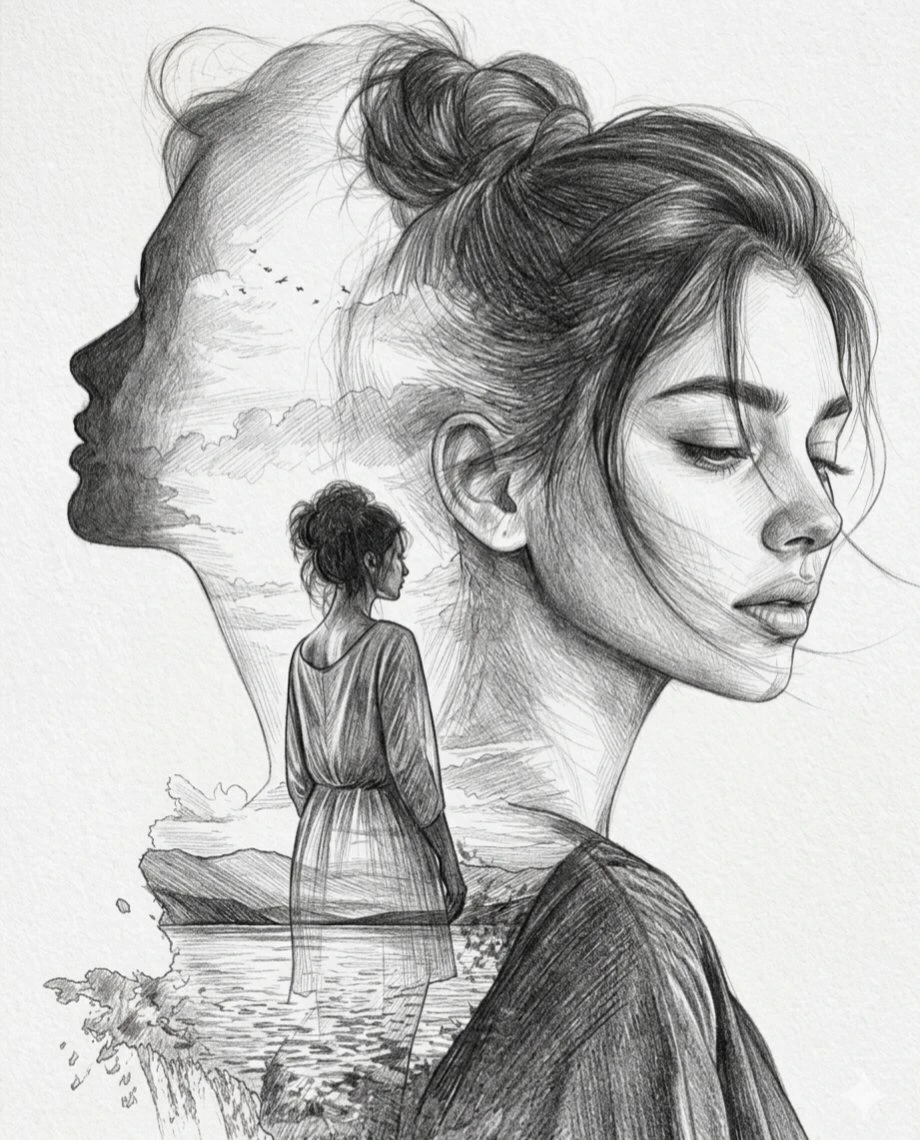
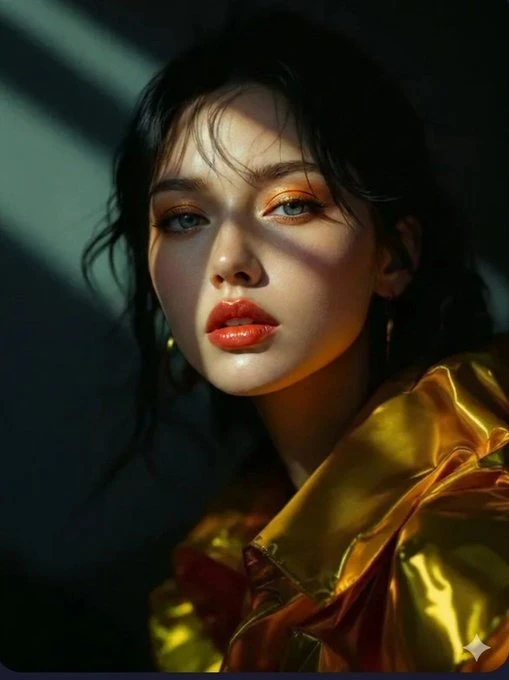
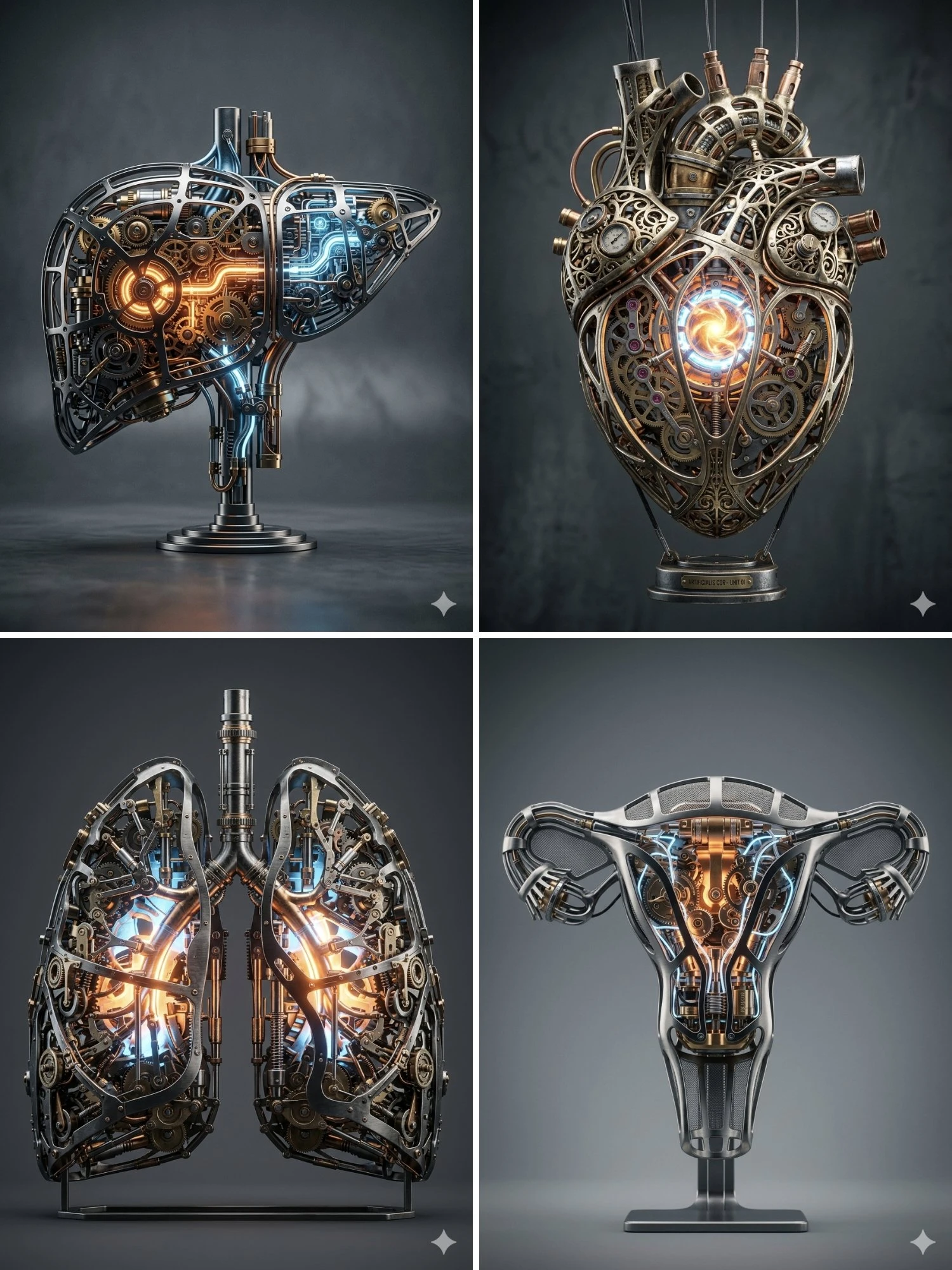
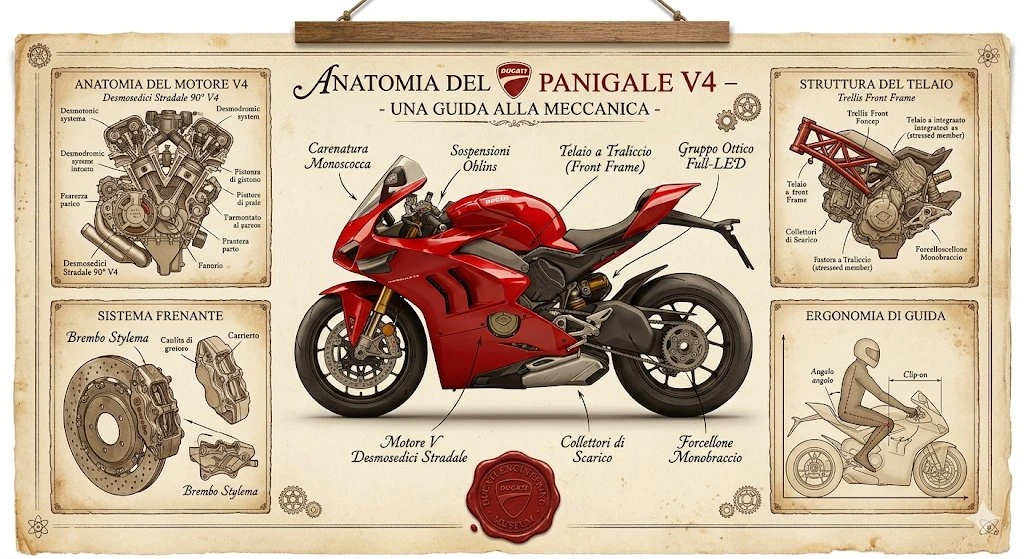
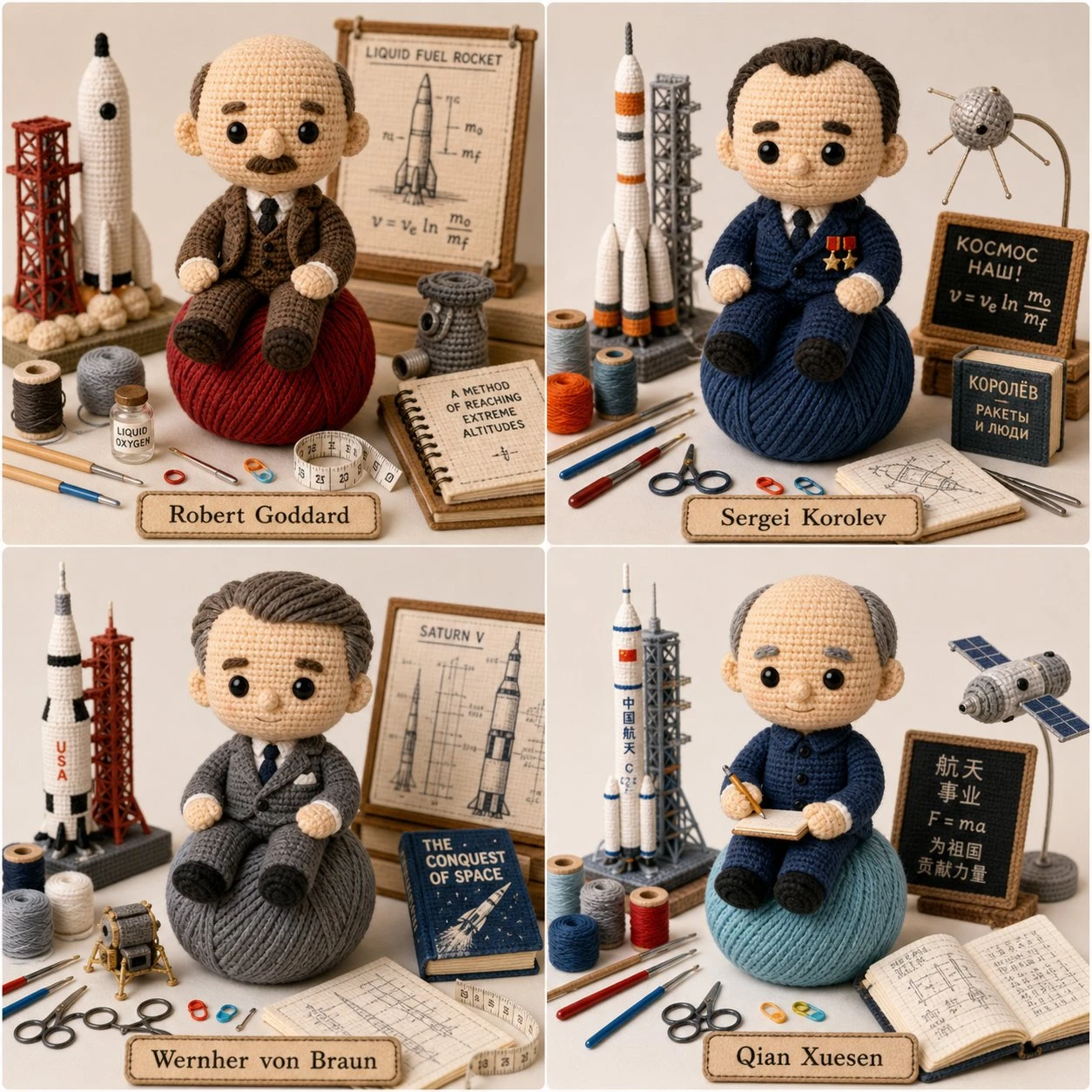
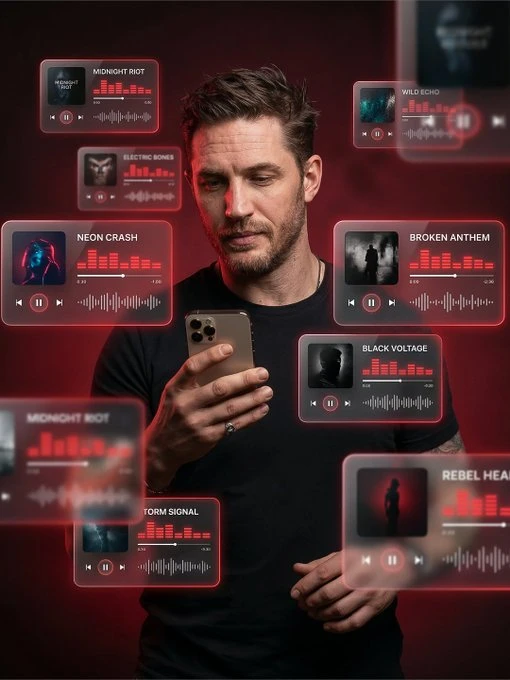
Explore our curated collection of AI image prompts. Hover over any image to see its prompt and copy it instantly.


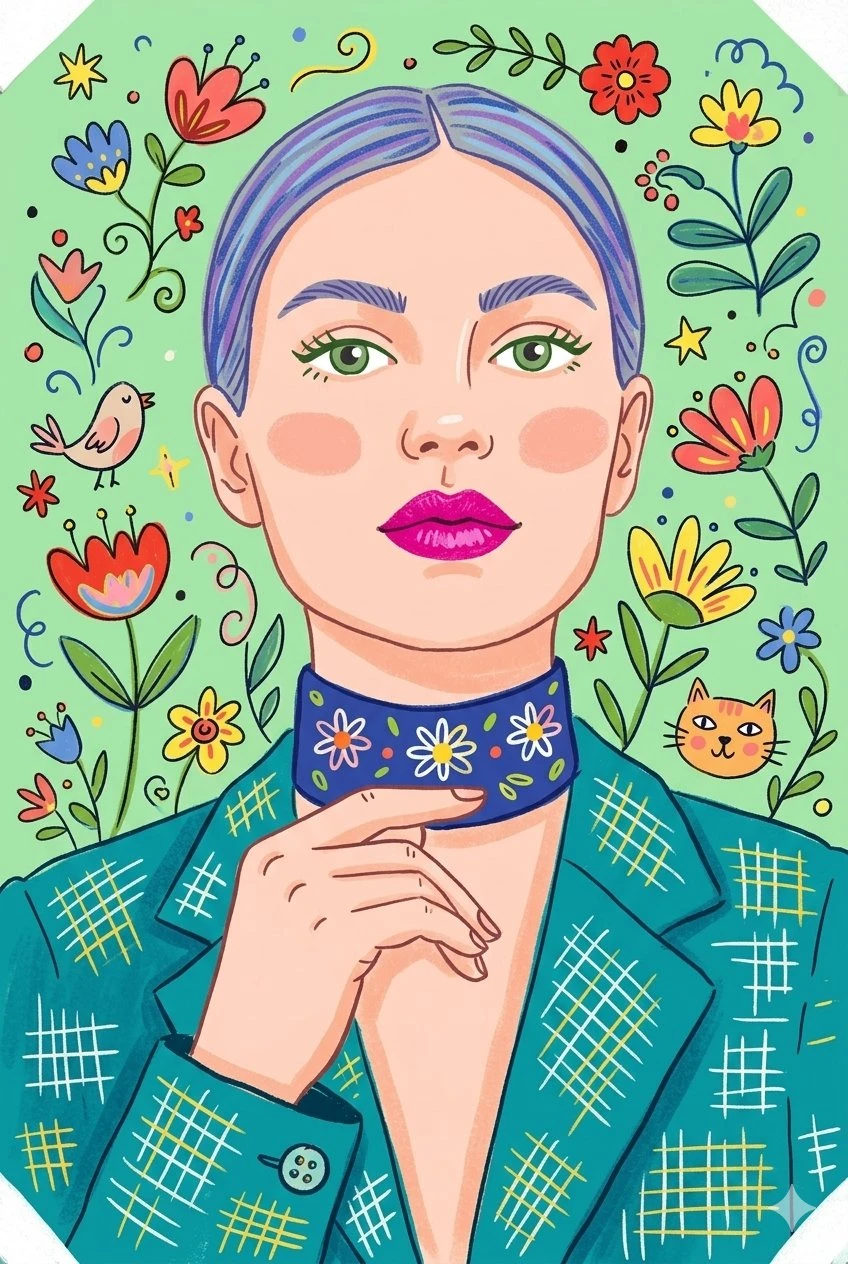
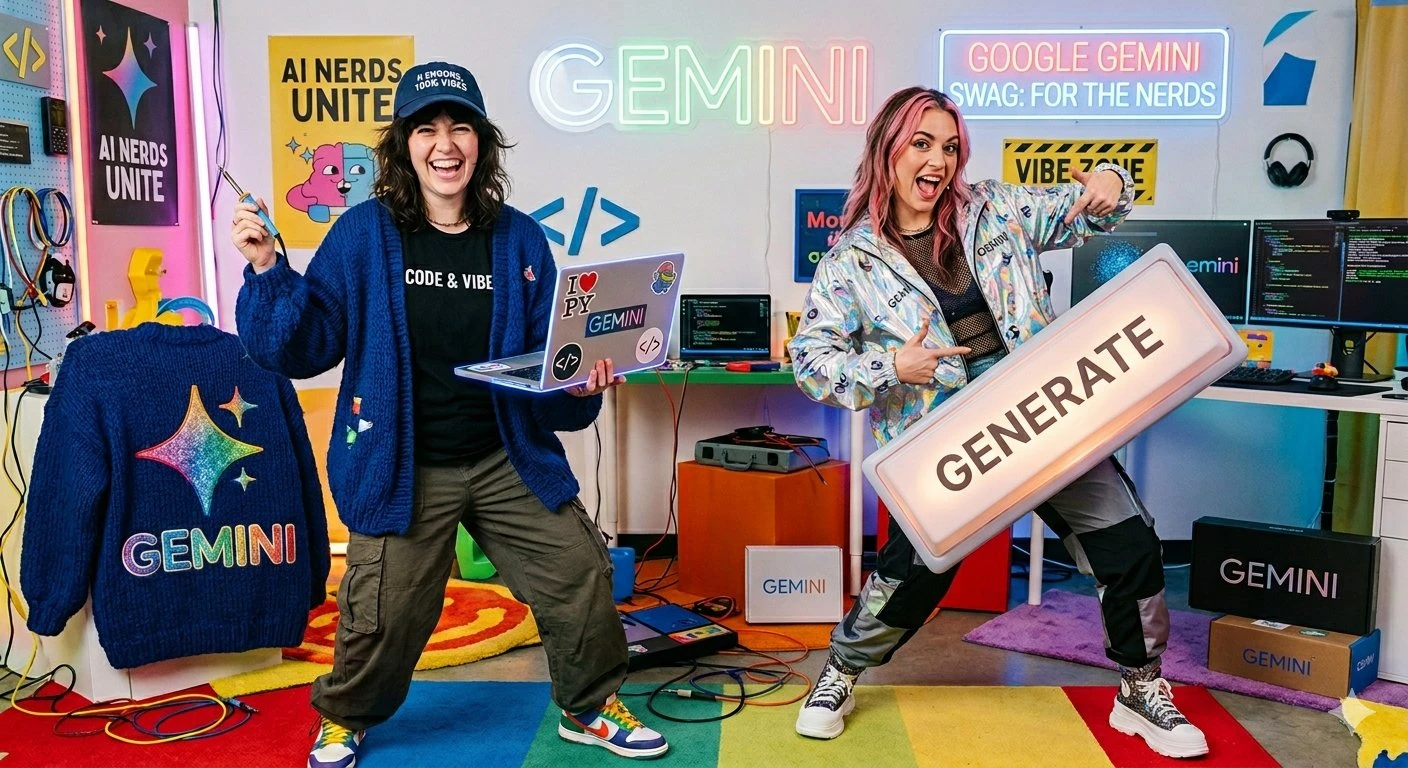
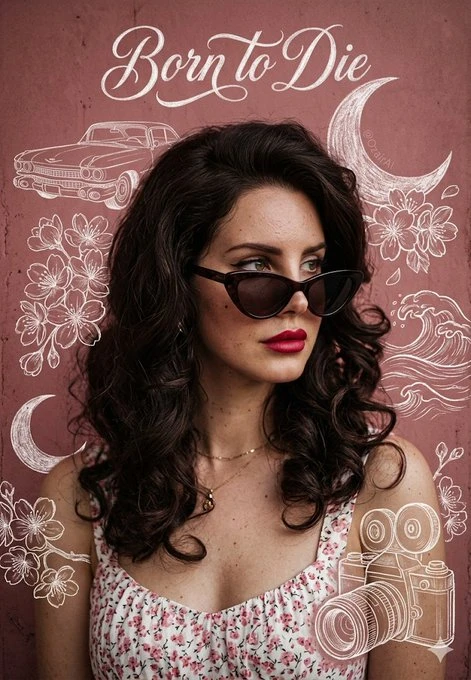
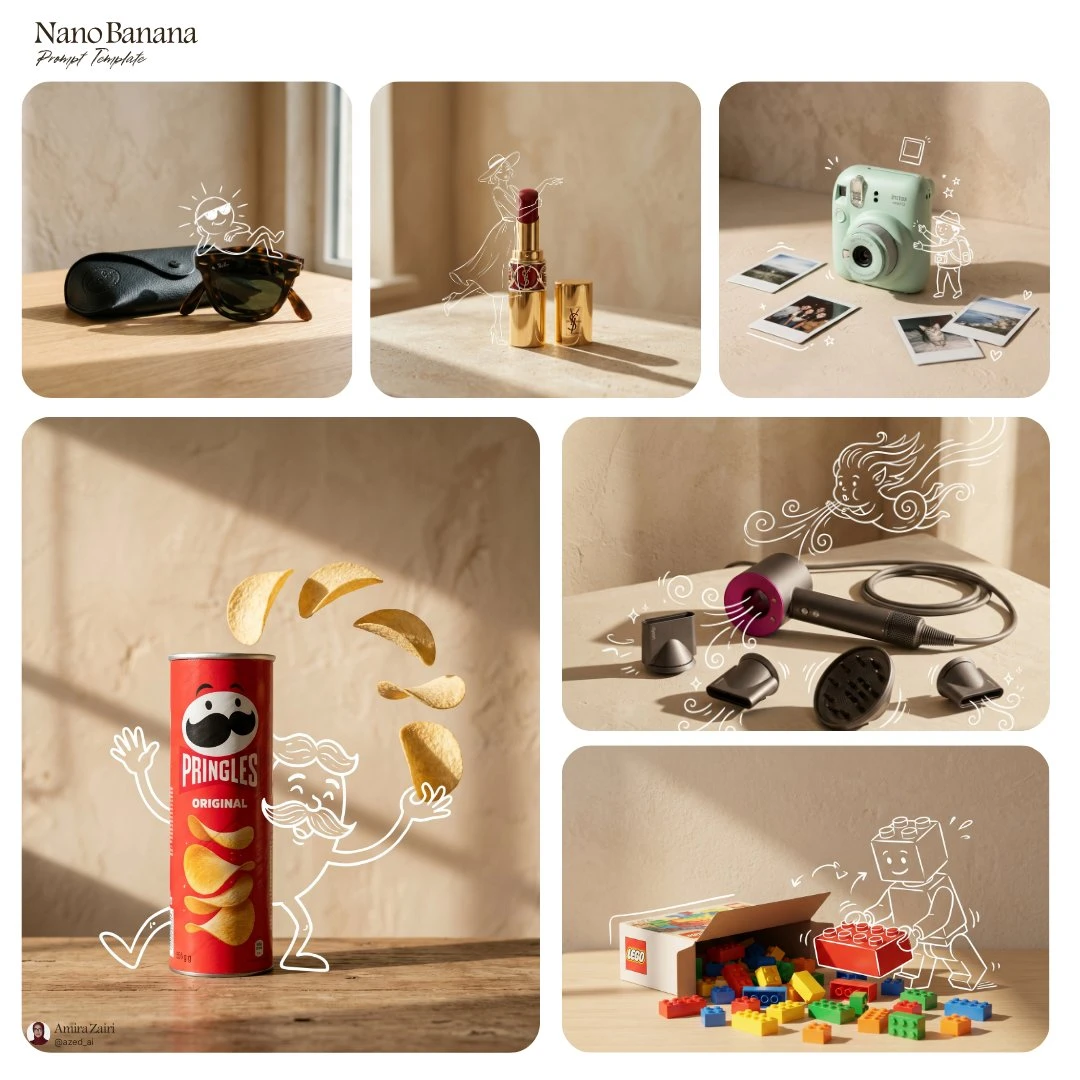
What Is Banana Prompts
Writing a good image prompt takes time. Banana prompts helps shorten that process by giving you a clearer starting point. Instead of guessing how to describe a portrait, product shot, poster, or edit, you can look at proven prompt examples, borrow the structure, and adjust the details for your own image. That makes it easier to test ideas, compare styles, and get to a usable result faster. Whether you are trying to improve prompt wording, explore different visual directions, or save time on repeat work, this page gives you a more practical way to start.

Banana Prompts by the numbers
Trusted by creators across all Nano Banana models, this growing prompt hub helps people explore more ideas, create better images, and see which prompts stand out through real use, repeated testing, and strong community response.
Why Choose Banana Prompts
Banana Prompts helps you find better prompts faster. Browse useful prompt ideas, save time on testing, and get a clearer starting point for image creation and editing across all Nano Banana models. Find stronger prompts with less trial and error. Banana Prompts gives you a simpler way to browse, copy, and use prompt ideas across all Nano Banana models.

Key Features of Banana Prompts
Curated Prompt Collection
Explore prompt ideas for portraits, product images, posters, and creative styles. Each prompt is selected to be useful, practical, and easy to build on. It gives you a stronger starting point for new image ideas.
Tested Templates
Start with templates that are easier to use, edit, and improve. A clearer structure helps you refine your wording with less guesswork. This makes it easier to get more consistent image results.
Smart Filtering
Filter prompts by category, style, or use case to narrow results faster. You can quickly focus on the ideas that fit your current project. This saves time and makes browsing more efficient.
One-Click Copy
Copy any prompt in one click and use it right away in your workflow. It is a simple way to test ideas without starting from scratch. You can also make quick edits after pasting.
Regular Updates
New prompt ideas and templates are added regularly to keep the library fresh. This gives you more styles, more use cases, and more creative options. There is always something new to explore over time.
Clear Categories
Browse prompts by portraits, product shots, posters, edits, and more. A cleaner structure makes prompts easier to explore and compare. It also helps you get to the right section faster.
Frequently Asked Questions
Who is this page for?
It is for anyone using Nano Banana to make images faster, especially creators who want a better starting point instead of writing every prompt from scratch.
Does it work for different Nano Banana versions?
Yes. This page is made for all Nano Banana models, including Nano Banana Pro prompts and Nano Banana 2 prompts.
What can I find here?
You can browse AI image prompts, ready-to-use prompt templates, image editing ideas, and examples for different styles and use cases.
Can I copy and change the prompts?
Yes. You can copy a prompt, then adjust the subject, style, background, lighting, or other details to fit your own image.
Is this useful for beginners?
Yes. Ready-made prompts are easier to understand and faster to test, so they are a good starting point for new users.
What kinds of prompts are included?
Common categories include portraits, product photos, posters, creative styles, and image editing prompts.
Why use a prompt library instead of writing prompts yourself?
A prompt library helps you save time, compare ideas faster, and learn what works before starting from a blank box.
Are the prompts only for image generation?
No. They can also help with image editing tasks, such as changing backgrounds, improving details, or trying a different visual style.